All linksSoftware update 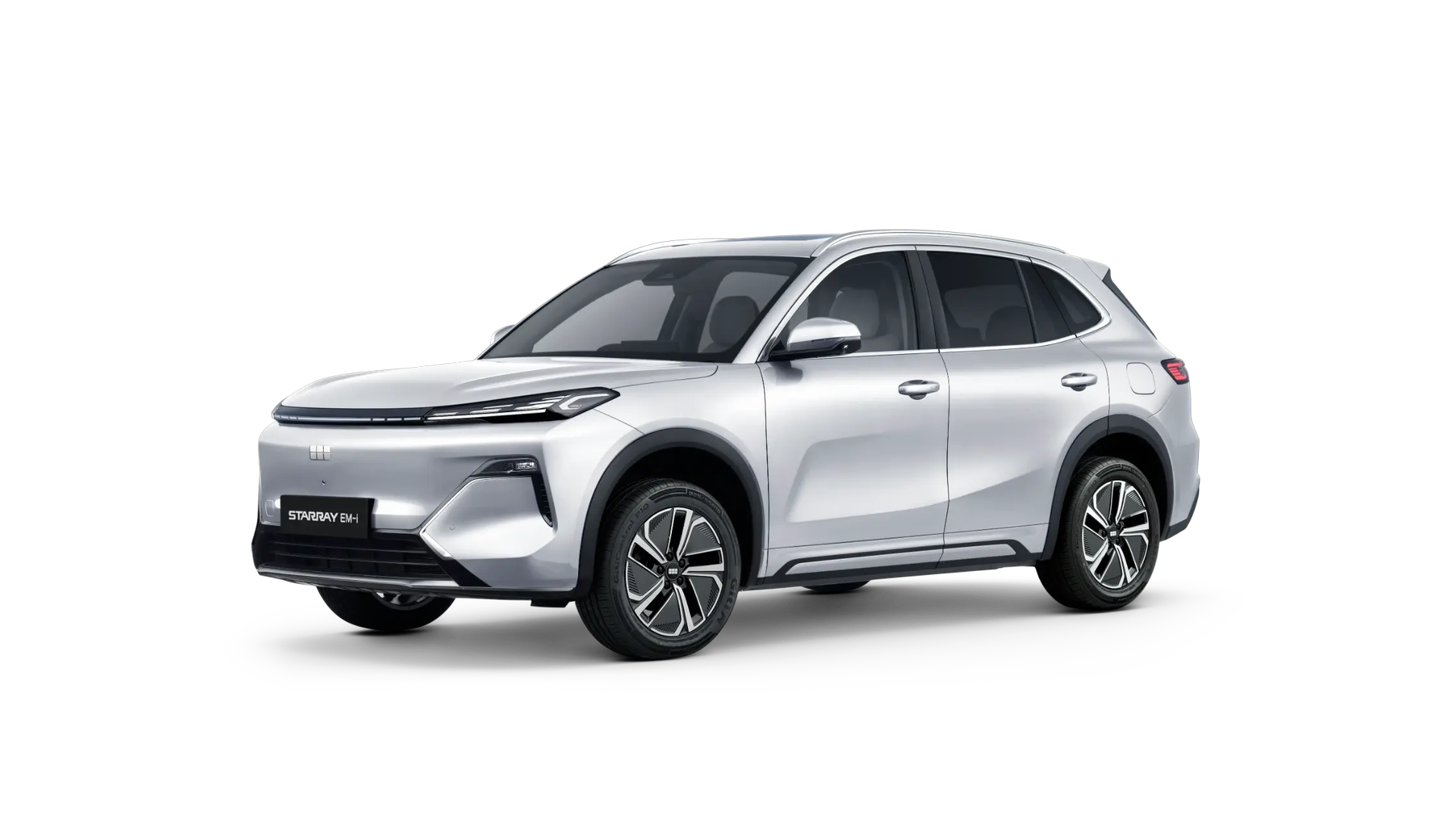
Starray EM-i OTA Update 2.2.0
Everything included in over-the-air software update 2.2.0 for the Geely Starray EM-i.
Driving & Safety
- Limit Speed function (LIM) is now available.
- Added an on-screen text prompt when ACC initiates a truck-avoidance manoeuvre.
- Added an LKA (Lane Keeping Assist) status indicator on non-EU compliant variants.
Apps
- App Store integration requirements:
- Driving restrictions: Unlock IT (puzzle), Beach Buggy Racing (racing) and Temple Dash Mania (platformer) are disabled while driving, as are Zoom Rooms and Vivaldi Browser
- UI consistency: Audible, Zoom, Travel and Browser apps launch with a fixed blue status bar (#026EF0)
- Zoom notifications: persistent on-screen alerts for incoming calls, missed calls and mute status, each dismissed by swiping upwards
Voice Control
- Voice control of CPAA audio sources: play, pause, skip to the next or previous track.
- Voice wake-up for the 360° camera view.
Navigation
- Navigation improvements:
- Voice command "remove via point" is now correctly passed to the navigation app
- ETA for the nearest via point is displayed prominently
- Re-adding a via point triggers automatic EV charging route planning
- Via points are fully editable
- Estimated battery state of charge is shown in the Turn-by-Turn (TBT) card
- Traffic condition visualisation and HUD icon refinement
- TBT distance formatting improved
- Overall UI/UX optimisation
Infotainment & Radio
- Optimised interaction between CPAA and AVM — no longer mutually exclusive display.
- CarPlay supports two-finger pinch-to-zoom in Apple Maps.
- Added an "Add to Favorites" capability to the DAB radio station list.
- Replaced square FM/DAB album art icons with circular ones.
- Radio behaviour:
- FM pause state is preserved and the current channel is highlighted in the list view
- The "Next" button in the Favorites list cycles within Favorites only
- Radio search supports alphabetical input
- The tuning page updates dynamically during a scan to reflect newly found stations
Displays & Interface
- New defogging indicator added below the infotainment Dock bar.
- Dedicated HUD toggle button added to the "Negative One" quick-access screen.
- Added shortcuts in the pull-down quick settings menu for Speed Limit Warning, DMS (Driver Monitoring System) and LKA (Lane Keeping Assist) configuration.
- Replaced animal-themed wallpapers with nature-themed alternatives.
Energy & Vehicle Functions
- Power Sharing widget on the home screen now displays remaining battery state of charge (%).
- Driving mode selection is now supported via the universal rotary knob.
- Rapid adjustment of battery hold state, visible and controllable directly from the home screen.
- Speed display: when set to km/h, only km/h is shown; when set to mph, mph is the primary value with a smaller km/h value below.
Alerts & Sound
- Adjusted volume levels for seatbelt alerts, overspeed warnings and parking radar alerts.
- Pop-up notification is triggered when system storage falls below the threshold.
Showroom Mode
- Air conditioning restriction logic refined:
- In showroom mode, if AC is disabled, any attempt to activate linked functions (soft controls: AC, AUTO, front defrost and rapid cooling; hard switch: AUTO; Camping Mode AC; Rest Mode AC) shows the message "Cooling function restricted in Showroom Mode."
- Showroom Mode exit message:
- With voice and on-screen text: "Exiting Showroom Mode — please shift gear after 5 seconds."